
New step type!
📝 Introducing the "Form" step type
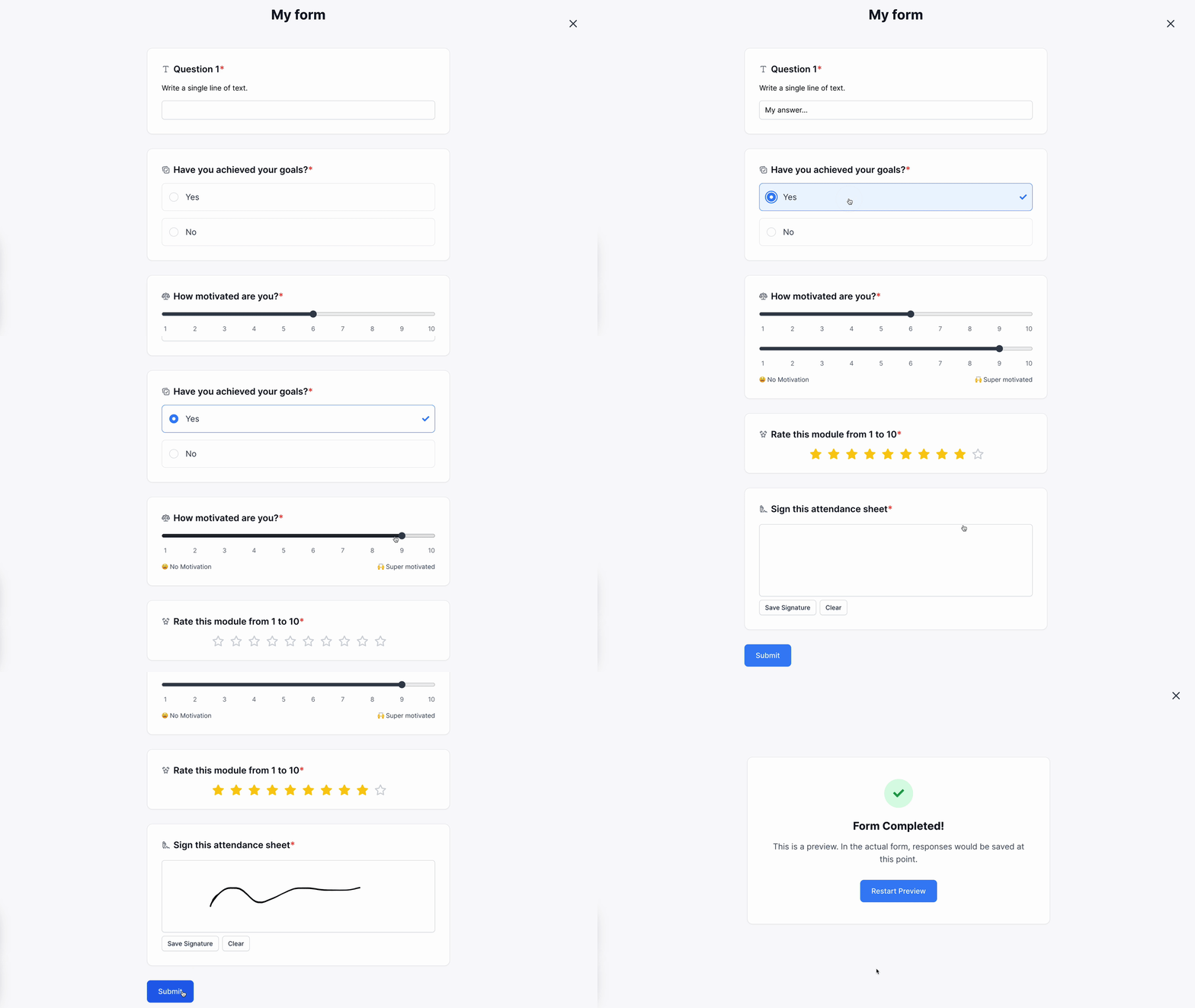
When creating a step, you can choose a new step type called "Form".
Form steps allow you to configure up to 50 questions to ask during an online course.
For each question, you will be able to choose among the following types of fields:
- Short answer
- Long answer
- Rich text answer
- Checkboxes
- Single choice
- Date
- Number
- Phone number
- Website
- Yes/No
- Scale
- Review
- Signature
And you can export the answers of your students in a few clicks.
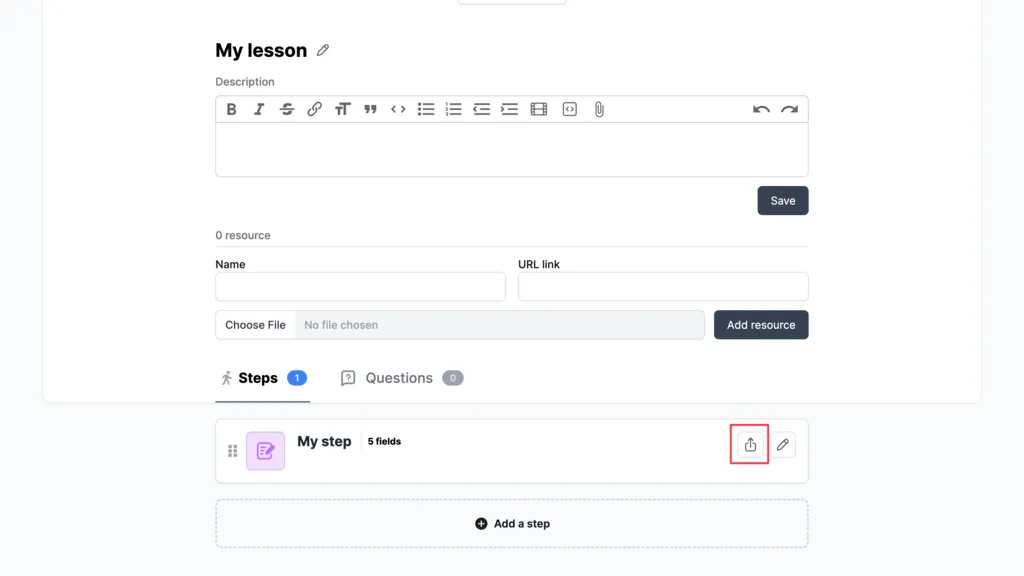
Click here to learn more about this powerful new feature!
About automations:
If you have automations that use our Zapier or Make integration, the answers given in this step will also be sent via the Step Completed Trigger.
If you have automations that use our API, the answers given in this step will also be in will also be sent via the element_completed Webhook, click here to see how the payload data is structured.
Other minor updates
- ✨ Member subscriptions: Improved cancellation flow of free trials.
- ✨ Offers: Improved rich text display in offers.
- ✨ Offers: If you currently require the client's address, the State field is now optional.
- ✨ Automations: Improved the create a conversation action to accept line breaks.
- 👌 Invoices: Improved the formatting of member invoices.
- ⚡ Performance: Performance improved in community posts and program in the admin space.
- 🐞 Bug solved: Issue with postal address in invoices.
- 🐞 Bug solved: Clarity issues with API documentation.
- 🐞 Bug solved: Issue when changing the order of sections when section groups is enabled.
- 🐞 Bug solved: Consultation question not displayed properly.
- 🐞 Bug solved: Bug when duplicating a program causing issues with duplicated lessons.
- 🐞 Bug solved: Deleting "form" steps leads to a “Content missing” error.
- 🐞 Bug solved: Bug with certificate display for admins.
- 🐞 Bug solved: Bug when changing the position of a program.


